
Every run
- One to four designs, at the quality you pick
- Blend two styles at no extra cost
- Try any design on a photo of your skin
- Download and share without a watermark
AI tattoo designer & try-on
Describe it, pick a style and get up to four original designs. Then see the one you like on a photo of your own arm, back or leg.
Coming soon · App Store & Google Play
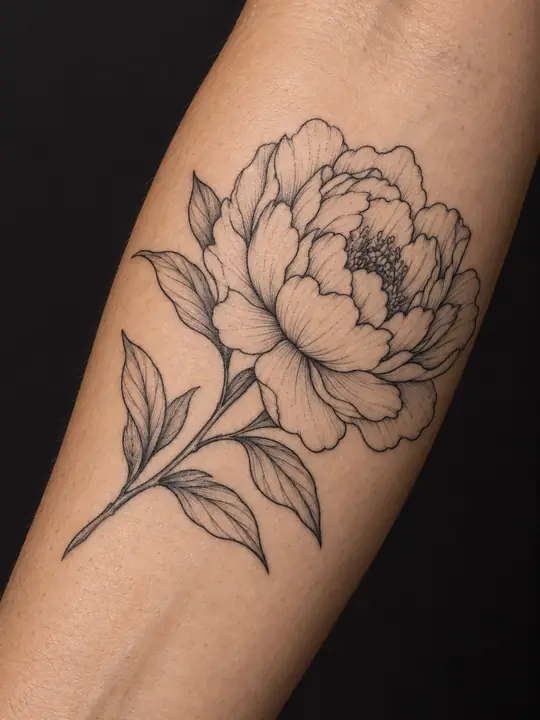 On skin
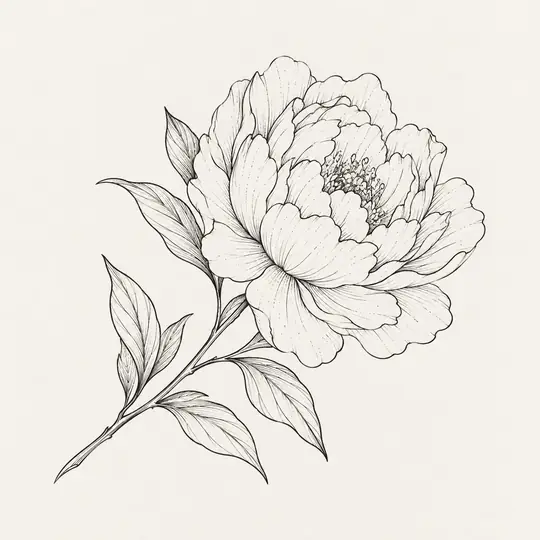 Design
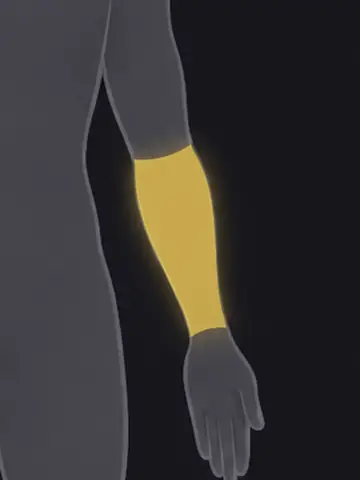
Pick a spot and see how the same design sits there.
On skinDesignDesign
Placement
A stag head built from triangles and fine lines
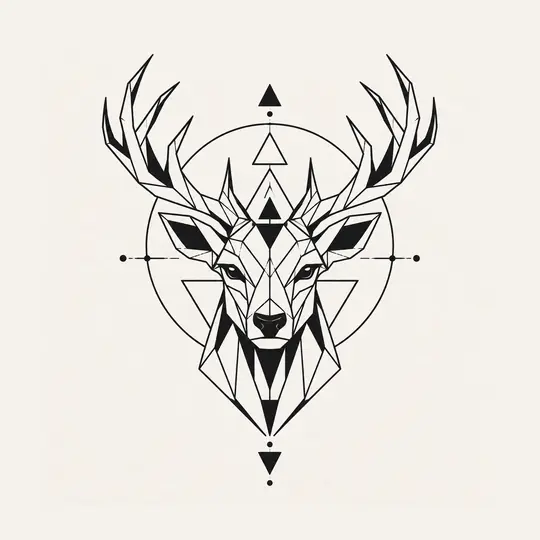
Up to four original designs drawn from your description.
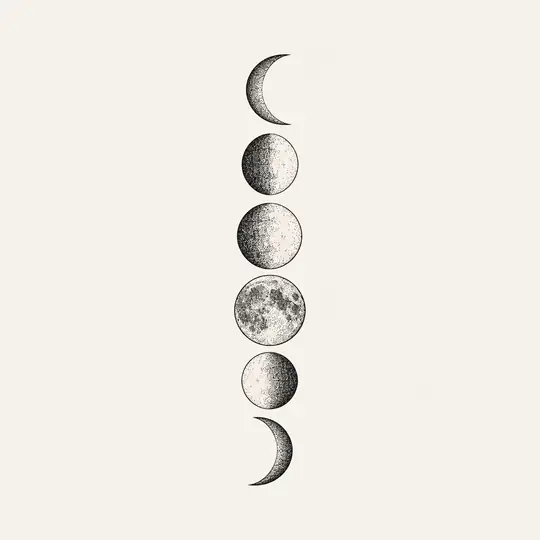
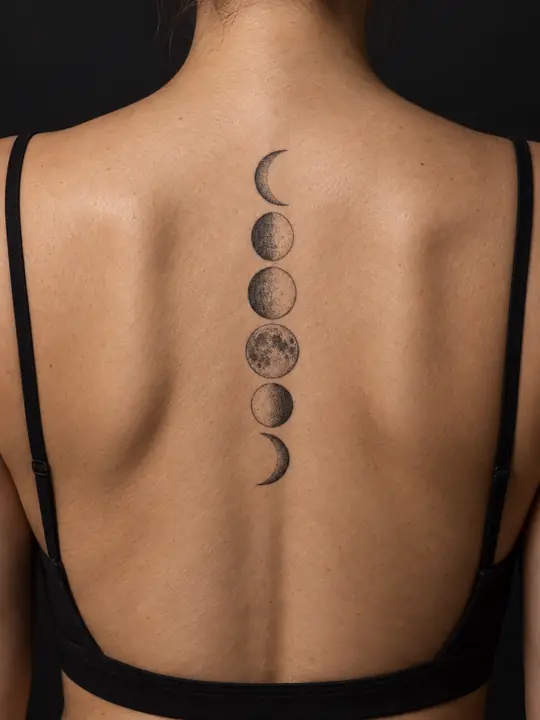
Add a photo of your arm, back or leg and see the design sitting on it.
 Your upload
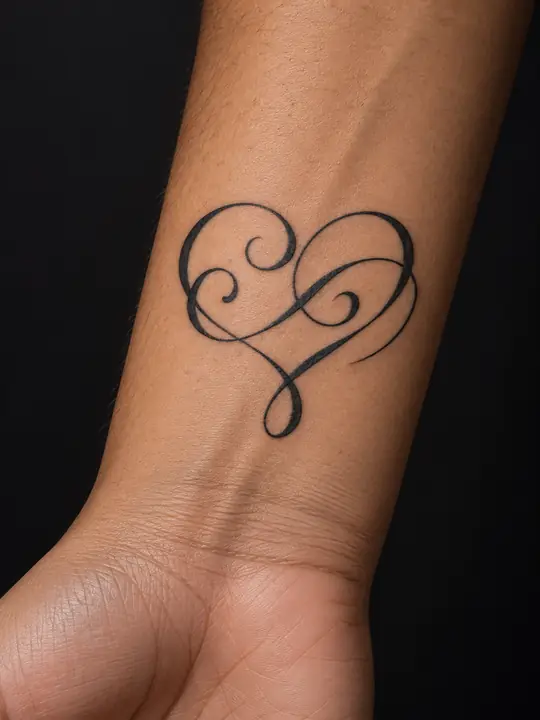
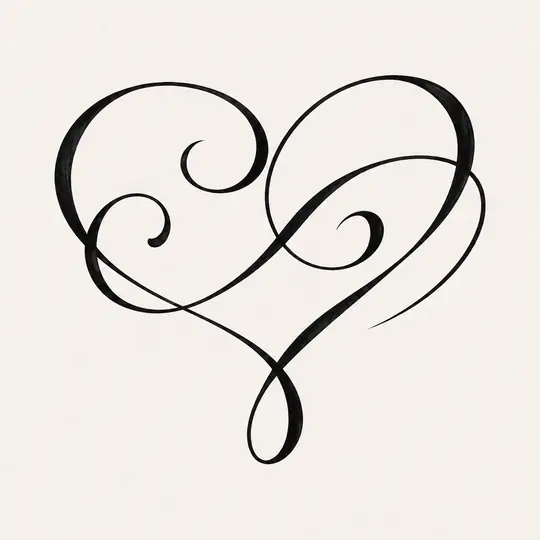
Upload a design you found or drew and see it on a photo of your skin.
These are examples, not your results.
Pick one, or blend two into a single design at no extra cost.
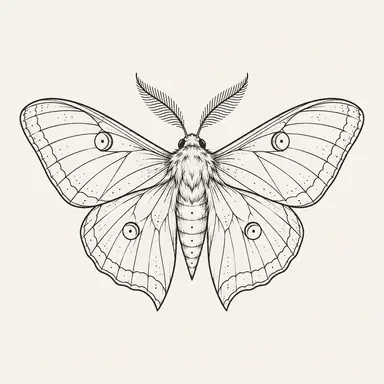
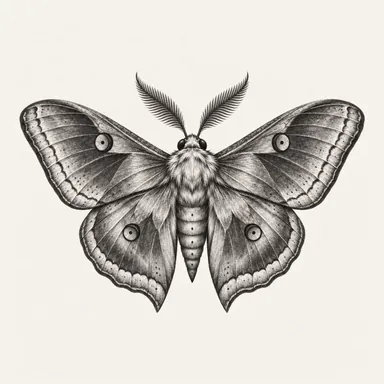
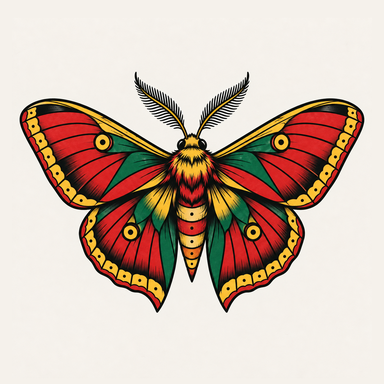
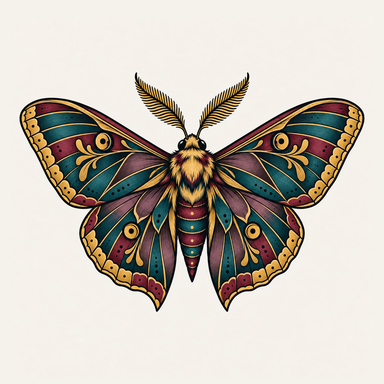
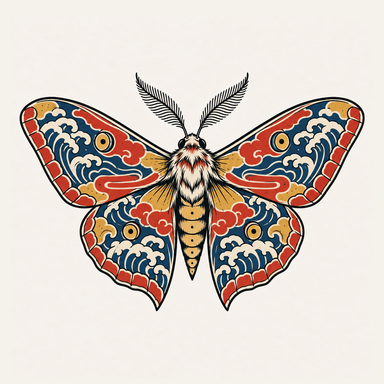
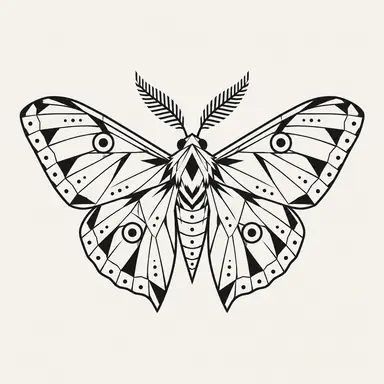
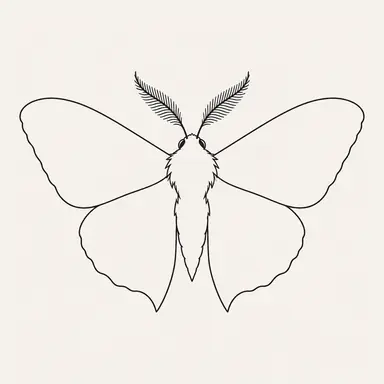
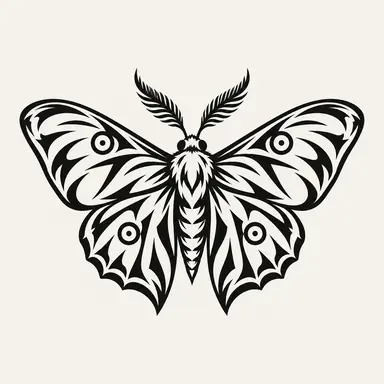
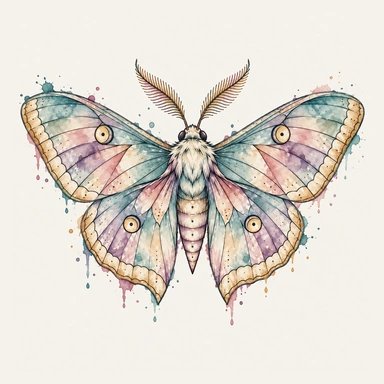
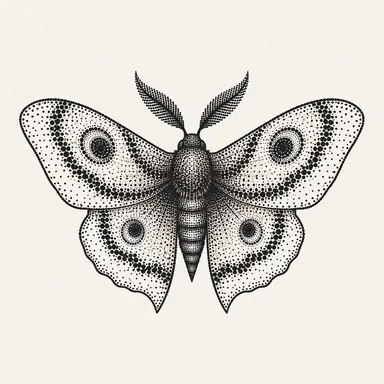
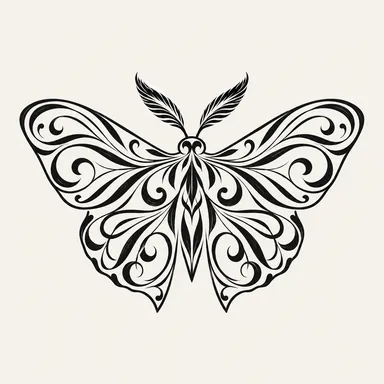
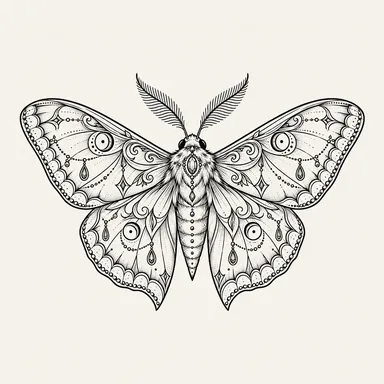
One moth in each style, from the app's style picker
Browse ideas by subject and style in the app, then try one on your skin or start your own design from it.
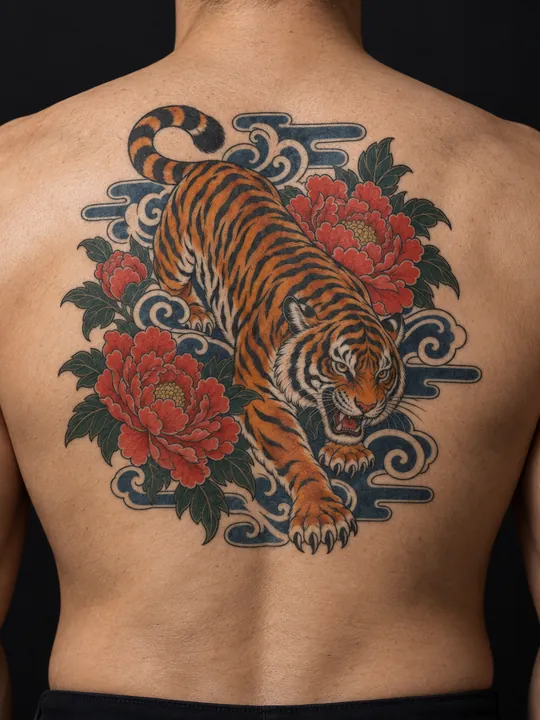
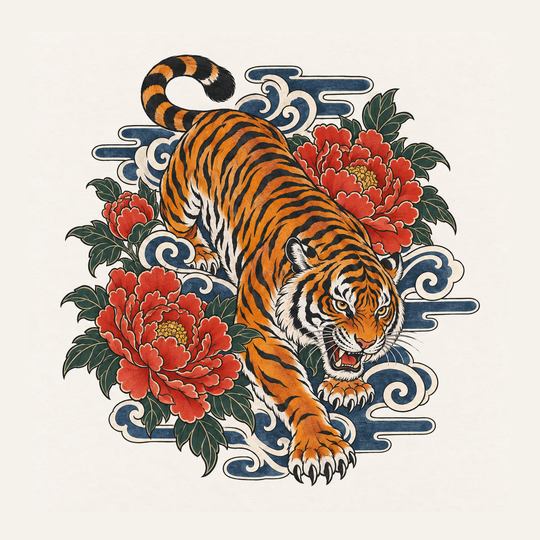
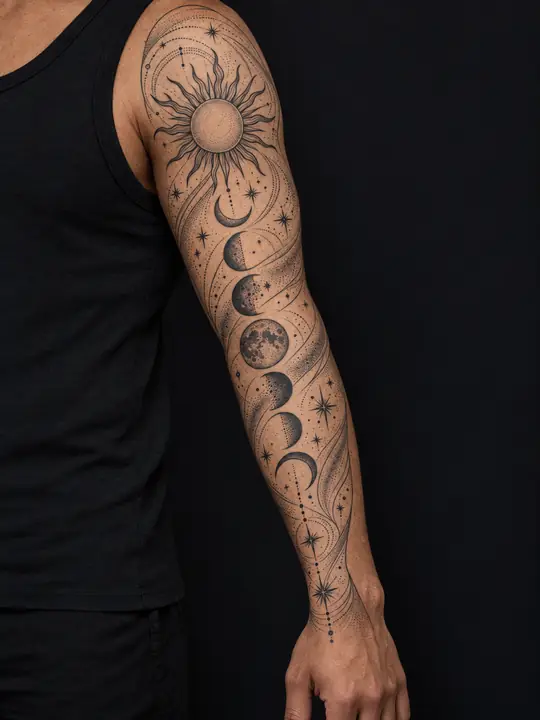
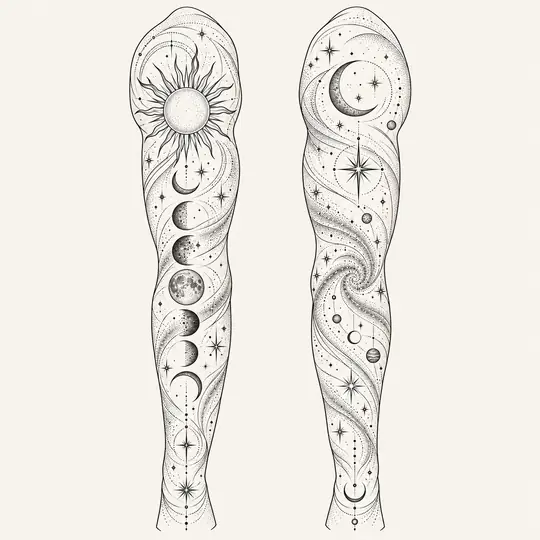
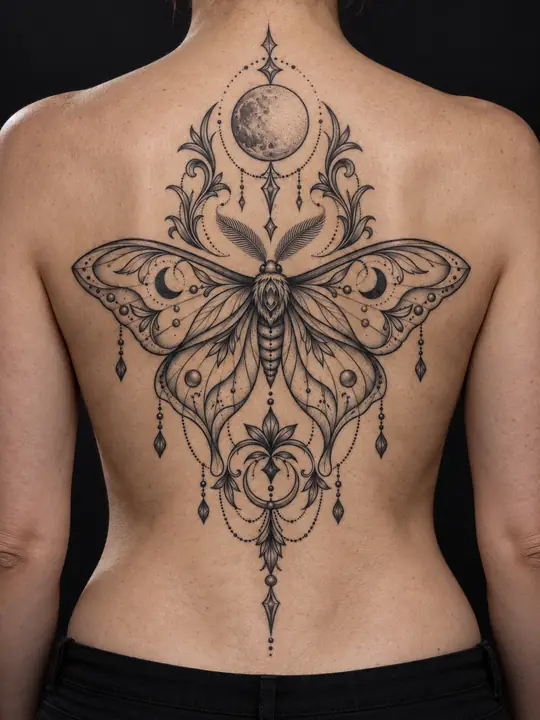
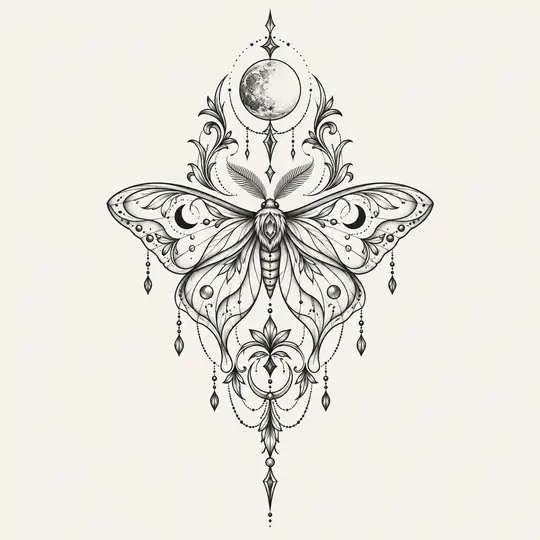
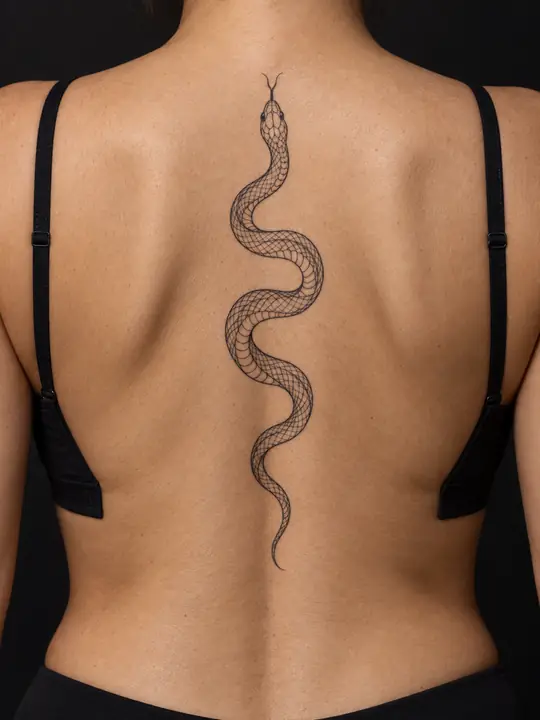
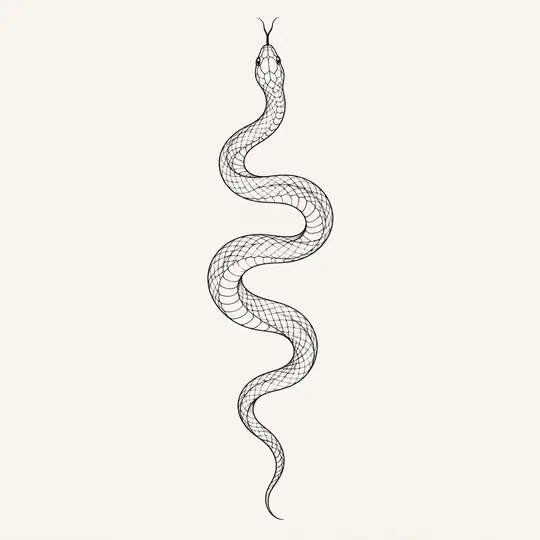
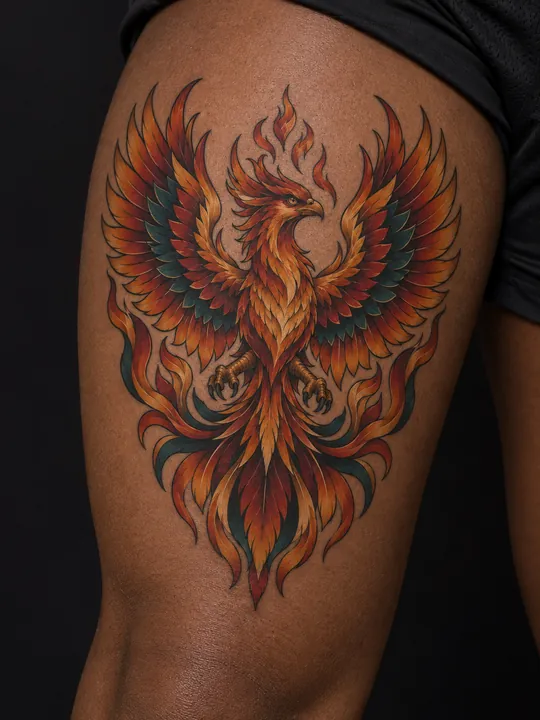
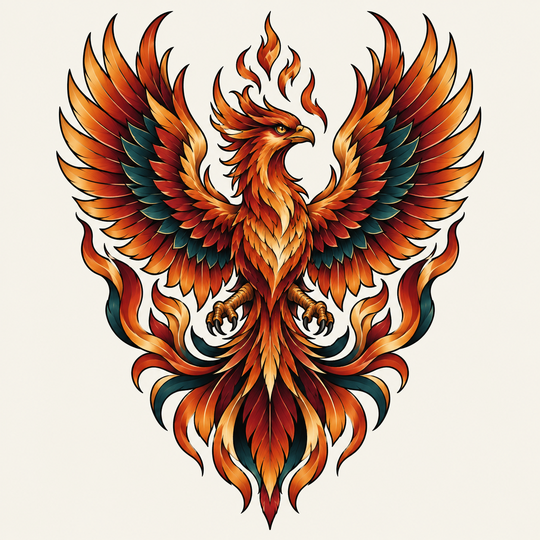
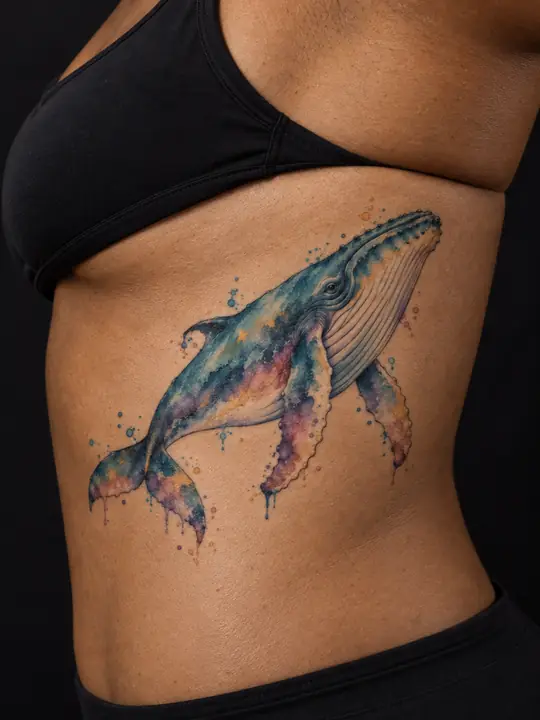
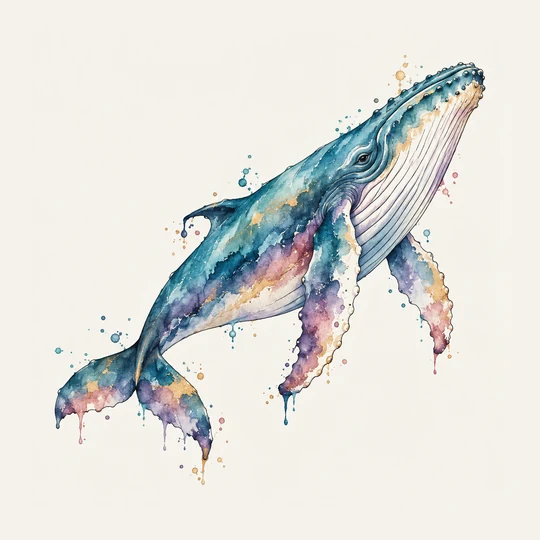
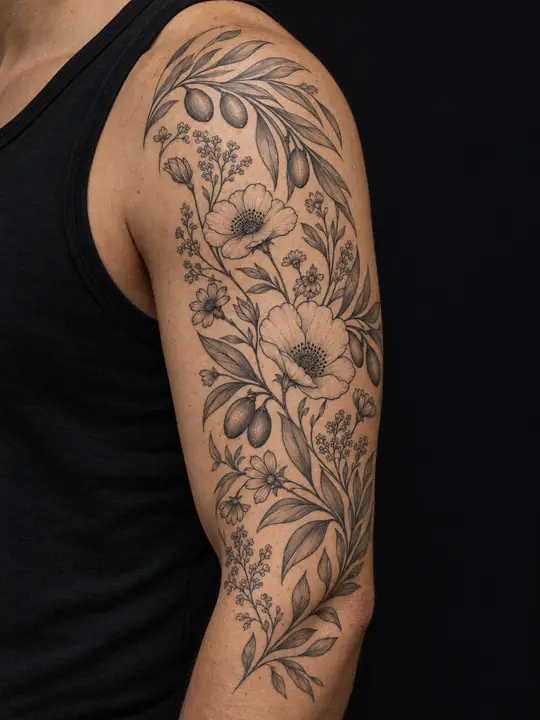
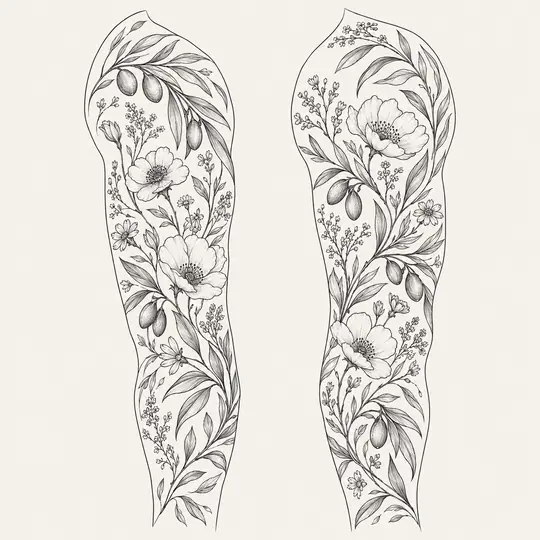
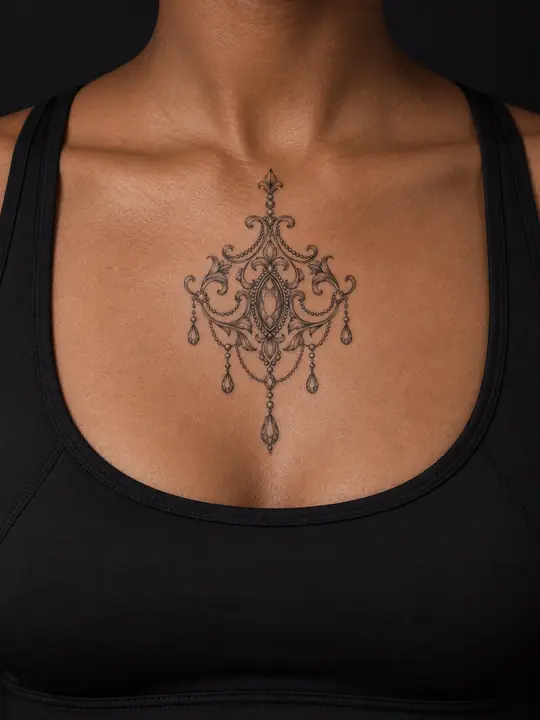
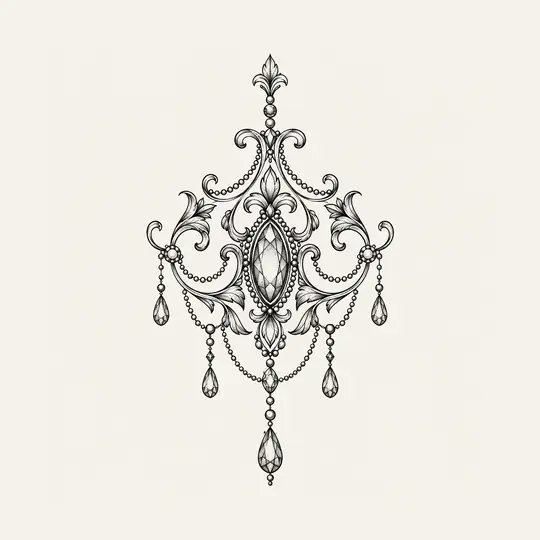
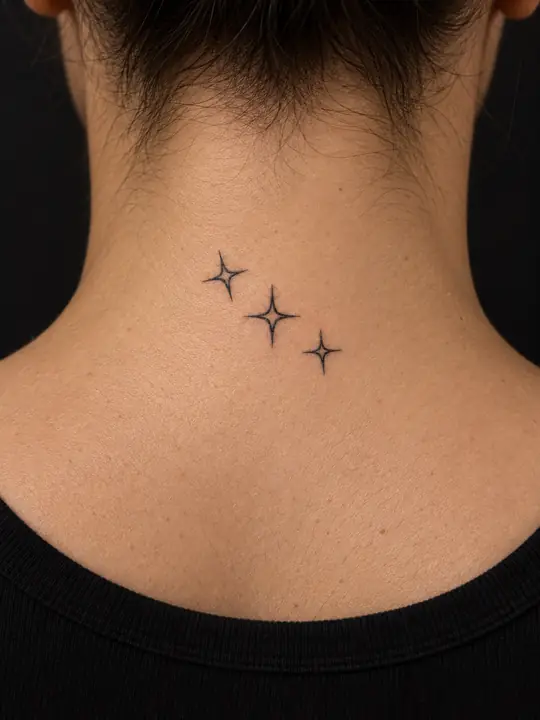
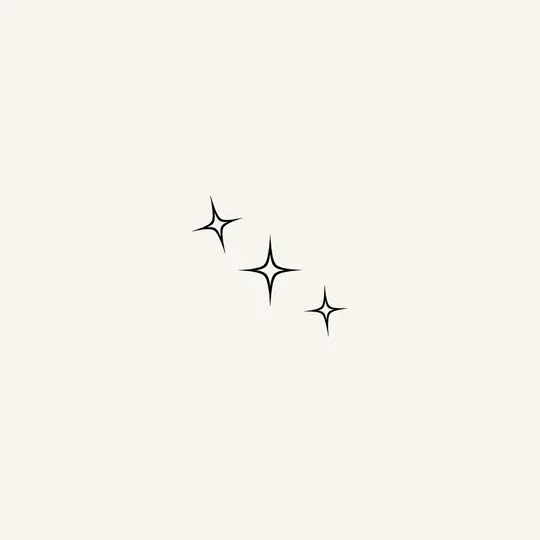
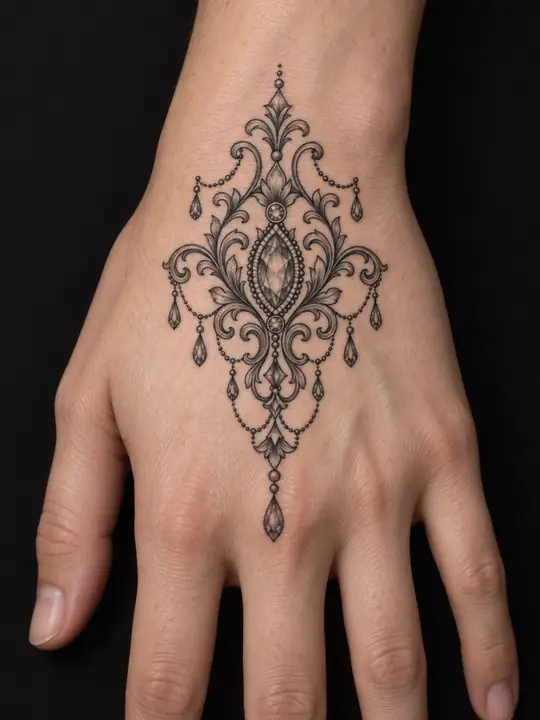
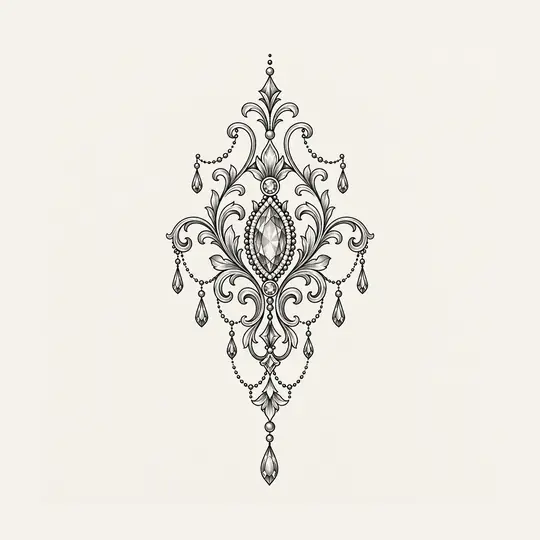
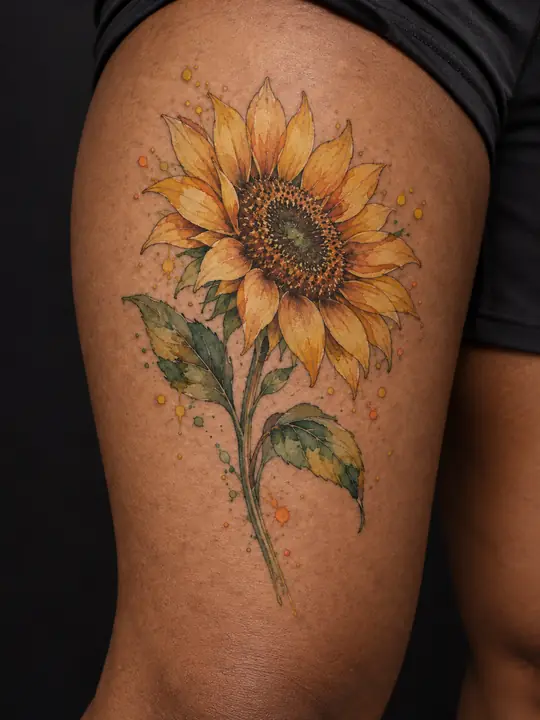
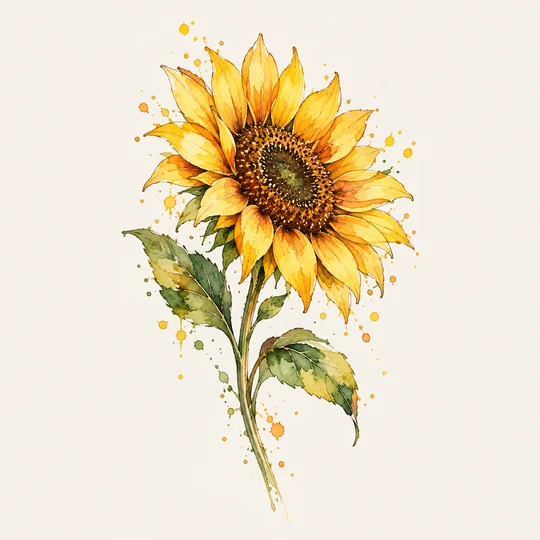
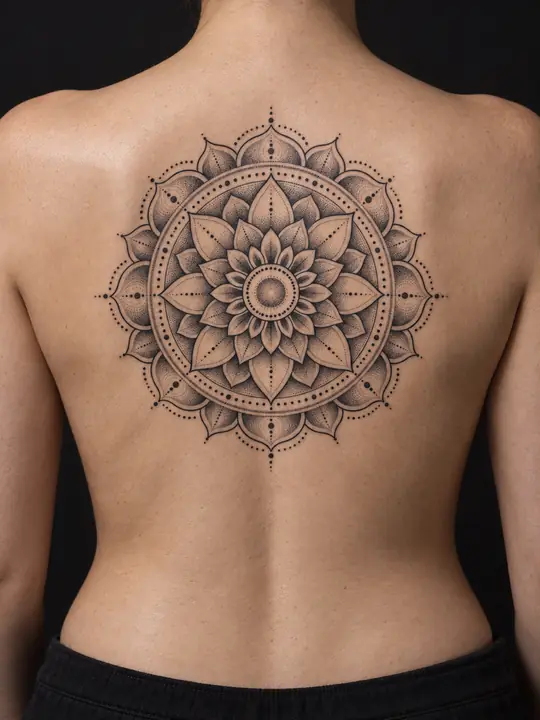
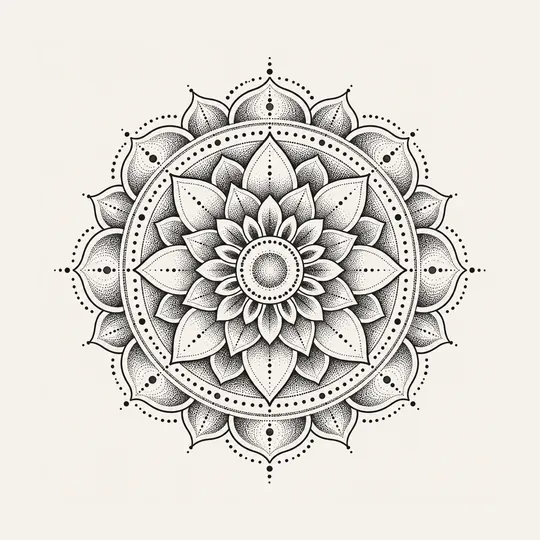
These are examples, not your results.
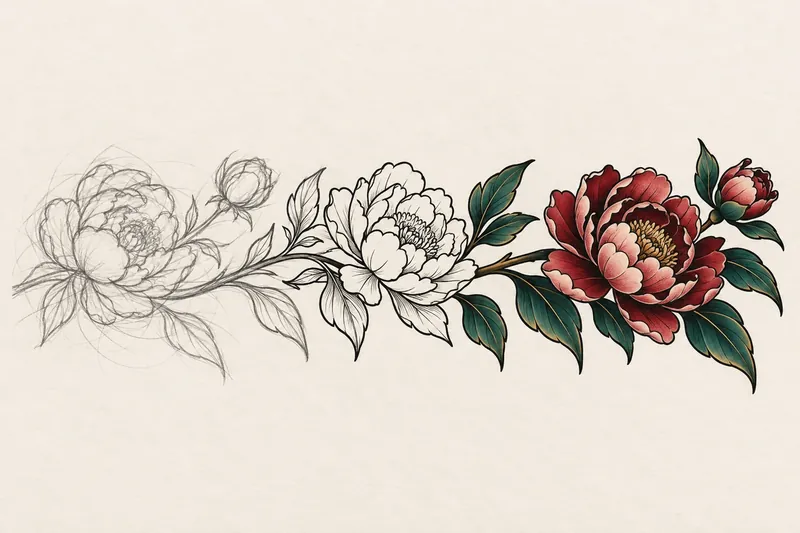
In your own words, or from an idea.
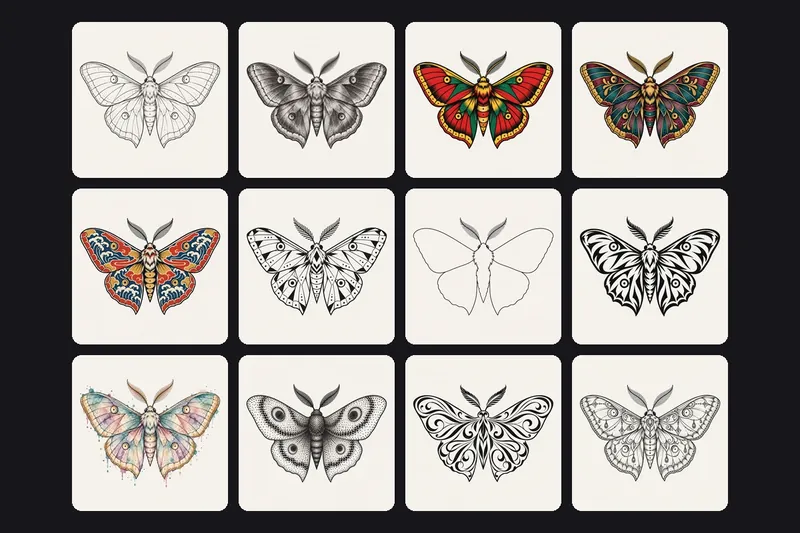
One style, or two blended into one design.
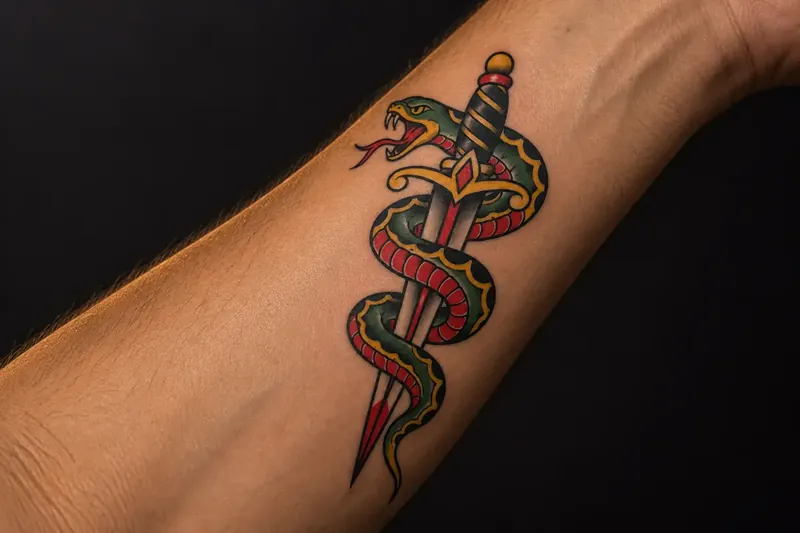
Add a photo of the area.
No free design or trial run. Pack sizes and prices are shown in your currency before you buy, through the App Store or Google Play.
No. There is no free design and no trial run: every design and every skin preview is paid for with credits from a pack. The examples here and in the app show what Inkdraft makes before you buy.
No. You buy a credit pack once. Nothing renews, there is nothing to cancel and credits do not expire. Every run shows its credit cost before it starts, and a run that fails gives its credits back.
They are examples we generated in advance, the skin included: no real person and no real tattoo. They are not your results. Your own designs are drawn new from your description.
Yes. Upload a drawing, a screenshot or a photo of a tattoo you like, add a photo of the area, and see it there. Only upload a design you have the right to use.
It is a picture drawn over your photo, not a photograph of a real tattoo. Size, line weight and how a design follows the curve of your body are things to settle with your artist.
Read it letter by letter first. Text and fine detail are where image models go wrong most often, and a tattoo is permanent: have your artist set the final lettering.
A photo you upload is deleted from our server as soon as the run that uses it ends. Your designs are kept only on your phone: we delete our copy once the app has it, within 24 hours at most. Download the ones you want to keep. The privacy policy has the details.
Your credits stay with your account; if your balance is missing, use Restore purchases. Your designs do not come back, because we keep no copy, so download them first. The support page explains more.
Coming soon · App Store & Google Play